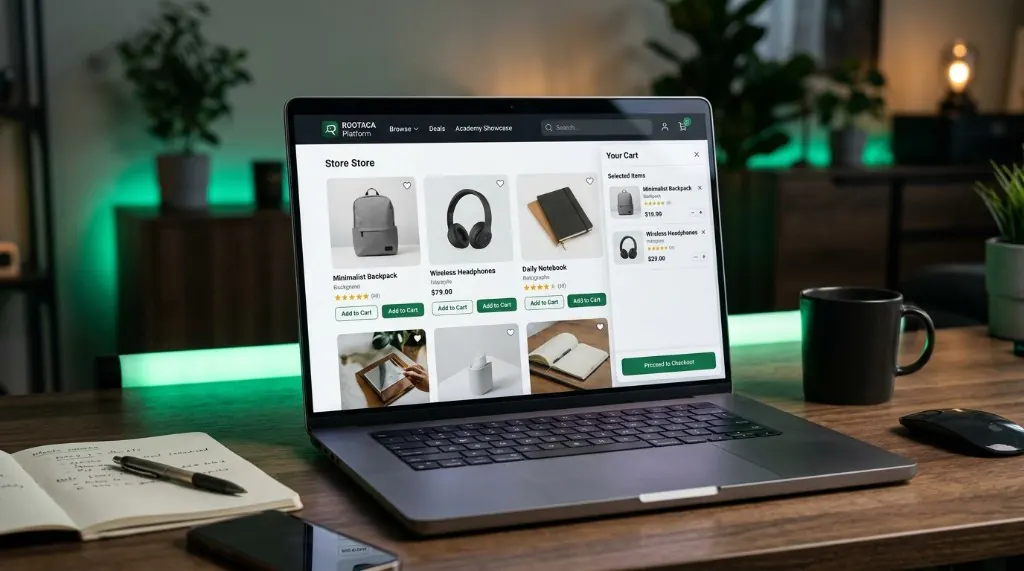
Student Training Project
E-Commerce Platform
A storefront with products, cart flow, and checkout logic — the kind of product students already use.
- Web
- UI
- Database
- Interface design
- State
- Data modeling
 ROOTACA
Student Training Project
A training project for a focused mobile product — from screens and navigation to behavior that actually works.
Path: Mobile Development
Explore the pathStudent Training Project
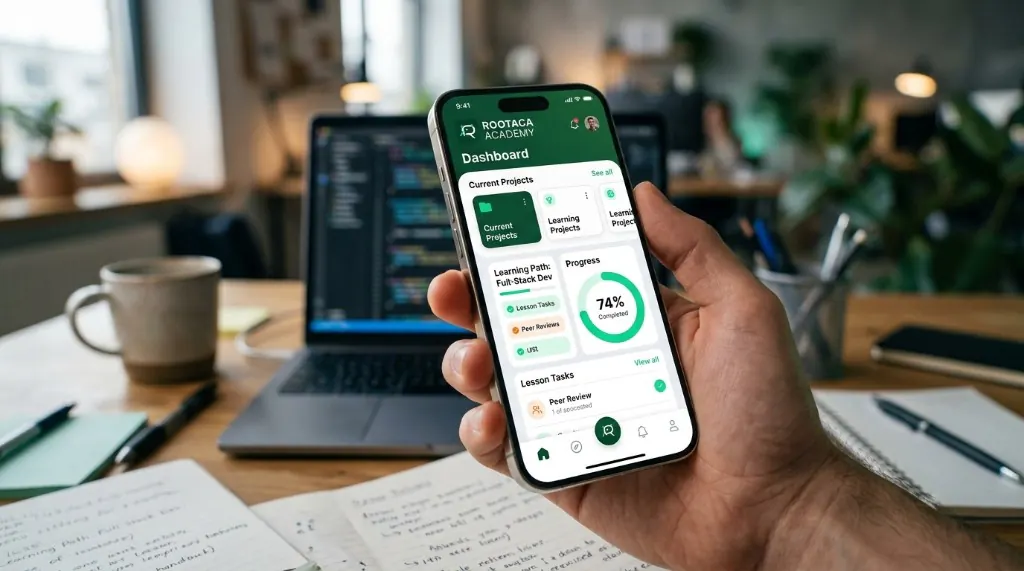
Mobile Application: HOME → DETAILS → ACTION → CONFIRMATION
Level
Intermediate
Path
Mobile Development
Project type
Student Training Project
Focus
Mobile UI · App logic · Navigation
The project is a way to practice mobile thinking: each screen has a job, each action has a result, and navigation has to hold the journey together. The student is not making a single mock screen. They are building a small product people can move through.
The user has a task on their phone, but a single screen is not enough — they need a journey they can follow.
Problem
The user has a task on their phone, but a single screen is not enough — they need a journey they can follow.
Why it matters
A mobile product fails when screens are disconnected, or when the app forgets where the user is.
What the user needs
A clear path from home, to details, to action, to confirmation.
The student builds a mobile flow: connected screens, app logic, and navigation that keeps state as the user moves.
The solution: Input → Processing → Output
The user sees a starting point with a clear next step.
Screens connect as a journey, not as a pile of pages.
The user taps, types, or chooses something.
The application decides how to respond.
The app remembers what happened on the previous screen.
The user sees that the action worked.
01
Who is this for, and what are they trying to do?
02
Which screens does the journey need?
03
How do home, details, action, and confirmation connect?
04
Implement the screens, navigation, and logic.
05
Can the user finish the task without getting lost?
06
Clarify the flow and the feedback.
A simple view of how the parts connect.
A simple view of how the parts connect. User → Mobile UI → App Logic → API → Backend
Screens designed for a phone, not a desktop page.
The path between screens.
How the application responds to actions.
What the app remembers as the user moves.
Home → details → action → confirmation.
Screens work with information, not only layout.
Turn a small idea into a mobile journey.
Connect screens instead of designing them in isolation.
Keep state as the user moves through the app.
Respond to actions with application logic.
Test whether the task can be finished on a phone.
Improve navigation and feedback after the first version.
The goal is that the student understands why each part was built, and how it can be changed and improved — not only reaching a final result.
Copy
Understand → Build → Debug → Improve
Ideas for developing the project
Add another screen or action after the core flow works.
Make gestures, labels, and confirmation clearer.
Handle more items and more user cases.
Think about offline states, errors, and release — as later ideas.
A good fit for students who have a programming foundation and want to apply it inside a mobile experience.
From the path
UI
In the project
Mobile screens
From the path
App logic
In the project
Action handling
From the path
State
In the project
Screen-to-screen memory
From the path
Release basics
In the project
A usable app flow
Student Training Project
A storefront with products, cart flow, and checkout logic — the kind of product students already use.
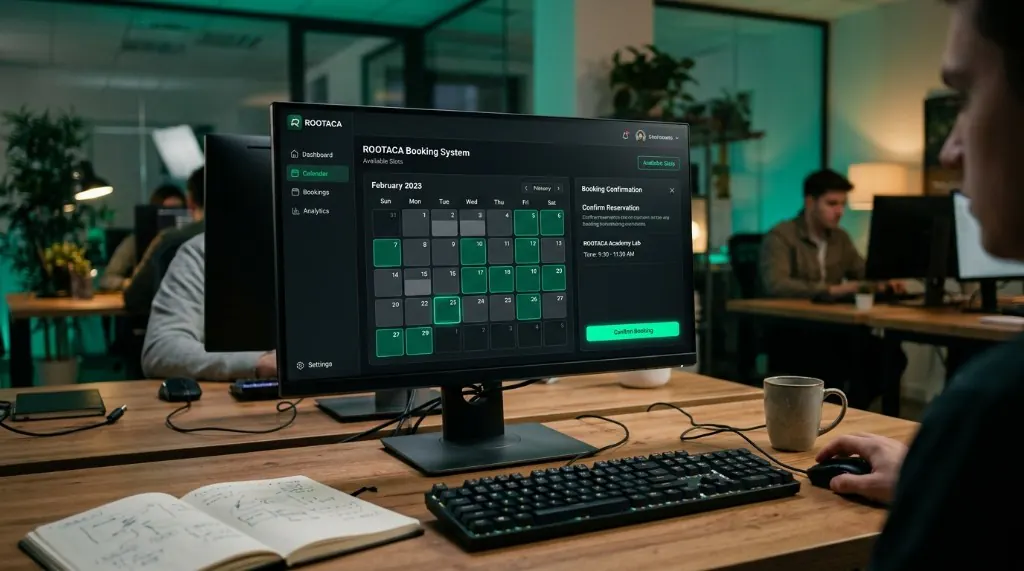
Student Training Project
Reservations, availability, and confirmation — software that has to be correct, not just pretty.
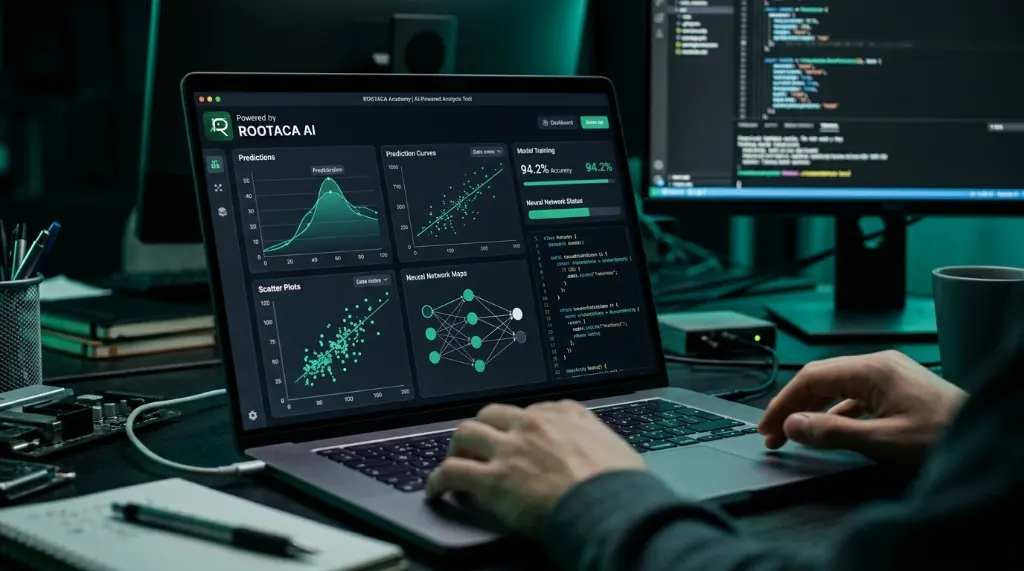
Student Training Project
A practical feature that uses data and a model to do something useful. No buzzword slides.
Choose the path that fits you, and start building instead of only watching.