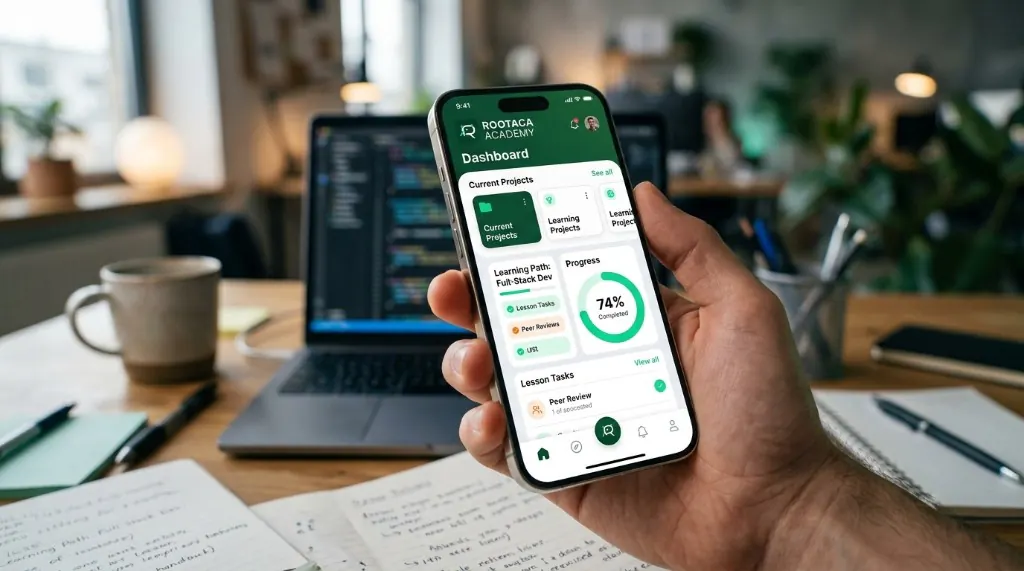
Student Training Project
Mobile Application
A focused mobile product for a student-scale problem — from screens to working behavior.
- Mobile
- UI
- Product
- Mobile UI
- App logic
- Navigation
 ROOTACA
Student Training Project
A training project that applies data, models, and APIs inside a complete software experience.
Path: AI & Data
Explore the pathStudent Training Project

AI Project: DATA → MODEL → API → PRODUCT
Level
Intermediate
Path
AI & Data
Project type
Student Training Project
Focus
Data · Models · APIs · Product Thinking
The project is designed to turn data and model concepts into a feature a student can understand and build. AI here is not a slide. It is data, logic, a model, and a result the user can use.
The user has data, but needs a way to turn it into a useful result they can act on.
Problem
The user has data, but needs a way to turn it into a useful result they can act on.
Why it matters
A model with no product around it does not help anyone. The value appears when the result reaches a real user.
What the user needs
A clear path from input, through processing and a model, to a result shown in an application.
The student connects input, data, processing, a model, and a result the application can display. The model is one part of the feature — not the whole product.
The solution: Input → Processing → Output
The user sends or uploads the data the feature needs.
The system prepares the data before the model.
The application decides what to send and what to do with the result.
The model produces a result from the prepared data.
The user receives information they can actually use.
The feature can be extended after the first version works.
01
What problem is the data supposed to help with?
02
What input, data, and result does the feature need?
03
How does the user reach a useful output?
04
Connect data, model, and application logic.
05
Does the result actually help, and where does it fail?
06
Clarify the feature and handle more cases.
A simple view of how the parts connect.
A simple view of how the parts connect. User → Application → API → AI Model → Result
The information the feature starts from.
Cleaning and shaping data before the model.
A model chosen for the problem — not for the label.
How the application uses the model.
The rules around input, errors, and output.
The result shown as something useful, not as a raw score.
Turn a data problem into a software feature.
Prepare data before asking a model to do anything.
Choose a model approach that fits the problem.
Connect the model to an application through an API.
Evaluate whether the result is actually useful.
Improve the first version instead of treating it as finished.
The goal is that the student understands why each part was built, and how it can be changed and improved — not only reaching a final result.
Copy
Understand → Build → Debug → Improve
Ideas for developing the project
Add another useful output after the core feature works.
Make input and results easier to understand.
Handle missing values, more cases, and noisier input.
Think about evaluation, errors, and limits — as later ideas, not a launch claim.
A good fit for students who have programming fundamentals and want to apply data, models, and APIs inside a complete feature.
From the path
Python
In the project
Data processing
From the path
Data thinking
In the project
Data preparation
From the path
Models
In the project
Prediction
From the path
APIs
In the project
AI integration
From the path
Product thinking
In the project
User feature
Student Training Project
A focused mobile product for a student-scale problem — from screens to working behavior.

Student Training Project
Records, dashboards, and organized information. Students learn to design tools for real users.

Student Training Project
A storefront with products, cart flow, and checkout logic — the kind of product students already use.
Choose the path that fits you, and start building instead of only watching.