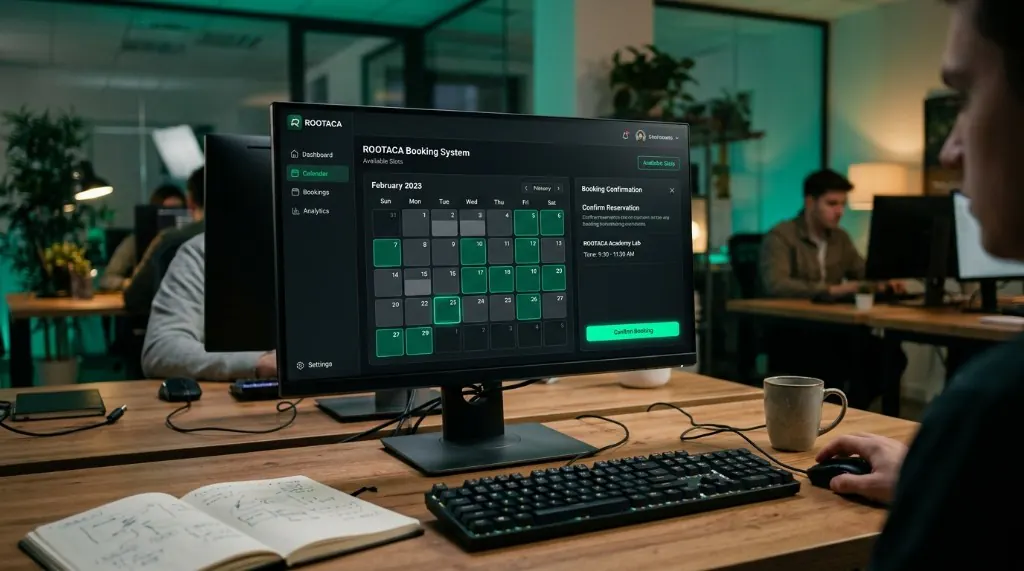
Student Training Project
Booking System
Reservations, availability, and confirmation — software that has to be correct, not just pretty.
- Web
- Logic
- UX
- Flows
- Validation
- Scheduling logic
 ROOTACA
Student Training Project
A training project that turns a familiar store into a working web product — products, cart, and checkout logic.
Path: Web Development
Explore the pathStudent Training Project

E-Commerce Platform: DESIGN → UI → INTERACTION → API → DATA
Level
Beginner–Intermediate
Path
Web Development
Project type
Student Training Project
Focus
UI · State · Data
The project is designed to turn what the student learns into a system they can understand, build, and develop. A store is a product students already use, so the work stays concrete: screens, state, and data — not a slide about e-commerce.
The user wants to browse products, choose what to buy, and complete a purchase without losing the selection.
Problem
The user wants to browse products, choose what to buy, and complete a purchase without losing the selection.
Why it matters
A store only works when the interface, the cart, and the data stay in agreement.
What the user needs
A clear path from product, to cart, to checkout.
The student builds a storefront flow: show products, keep cart state, and handle checkout logic as connected parts — not as separate screens.
The solution: Input → Processing → Output
The user sees products and the information needed to choose.
A closer look at what the item is and what it costs.
The interface remembers what the user added.
The application applies the rules of completing a purchase.
The store works from structured information, not static text.
The user can tell that the action succeeded.
01
What does a store need in order to work?
02
Which screens and data does the flow need?
03
How does the user move from product to checkout?
04
Connect the interface, the state, and the data.
05
Does the cart and checkout still make sense?
06
Clarify the flow and fix what breaks.
A simple view of how the parts connect.
A simple view of how the parts connect. User → Browser → Frontend → API → Backend → Database
The pages the user actually sees.
Browse, add, review, complete.
The cart has to stay consistent.
Products and orders need a structure.
Rules for adding items and checking out.
The interface works with stored information.
Turn a familiar product into a software problem.
Split a store into screens, state, and data.
Keep cart state consistent as the user moves.
Connect the interface to structured information.
Test the checkout path and find what breaks.
Improve the first version instead of stopping at it.
The goal is that the student understands why each part was built, and how it can be changed and improved — not only reaching a final result.
Copy
Understand → Build → Debug → Improve
Ideas for developing the project
Add a new store feature after the first version works.
Make the path from product to checkout clearer.
Handle more products and more purchase cases.
Think about validation, errors, and growth — as ideas, not a launch promise.
A good fit for students applying interface, state, and data fundamentals inside a complete store project.
From the path
HTML / CSS
In the project
Storefront UI
From the path
JavaScript
In the project
Cart interaction
From the path
UI
In the project
Product pages
From the path
Web apps
In the project
Checkout flow
Student Training Project
Reservations, availability, and confirmation — software that has to be correct, not just pretty.
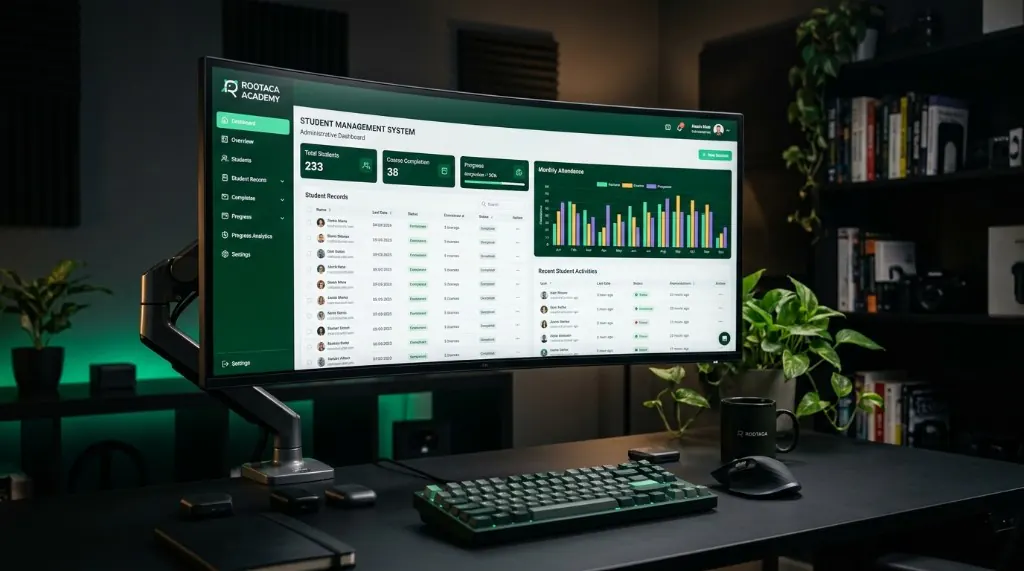
Student Training Project
Records, dashboards, and organized information. Students learn to design tools for real users.
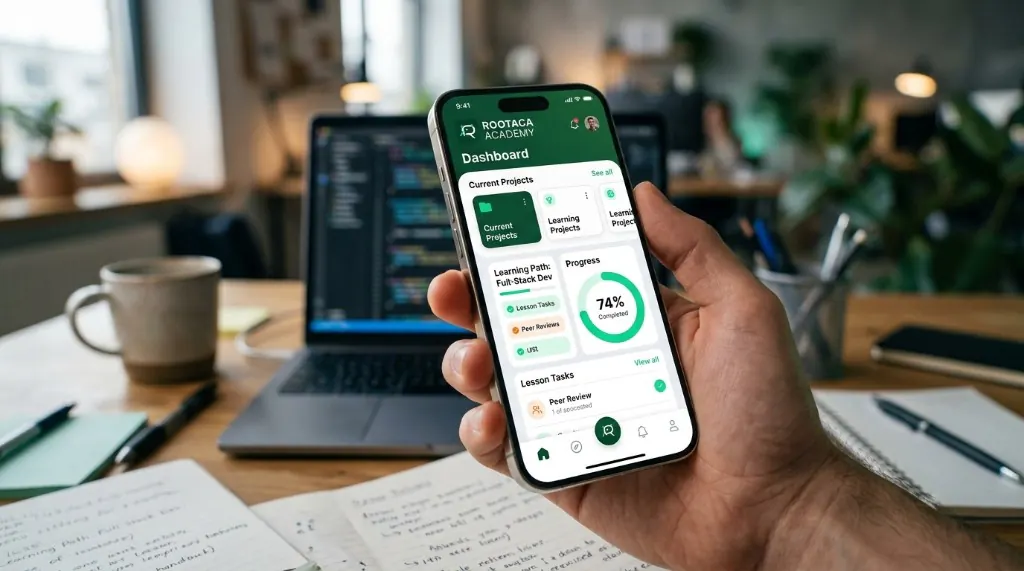
Student Training Project
A focused mobile product for a student-scale problem — from screens to working behavior.
Choose the path that fits you, and start building instead of only watching.