
Student Training Project
E-Commerce Platform
A storefront with products, cart flow, and checkout logic — the kind of product students already use.
- Web
- UI
- Database
- Interface design
- State
- Data modeling
 ROOTACA
Student Training Project
A training project for bookings, availability, and confirmation — software that has to be correct, not just pretty.
Path: Software Development
Explore the pathStudent Training Project
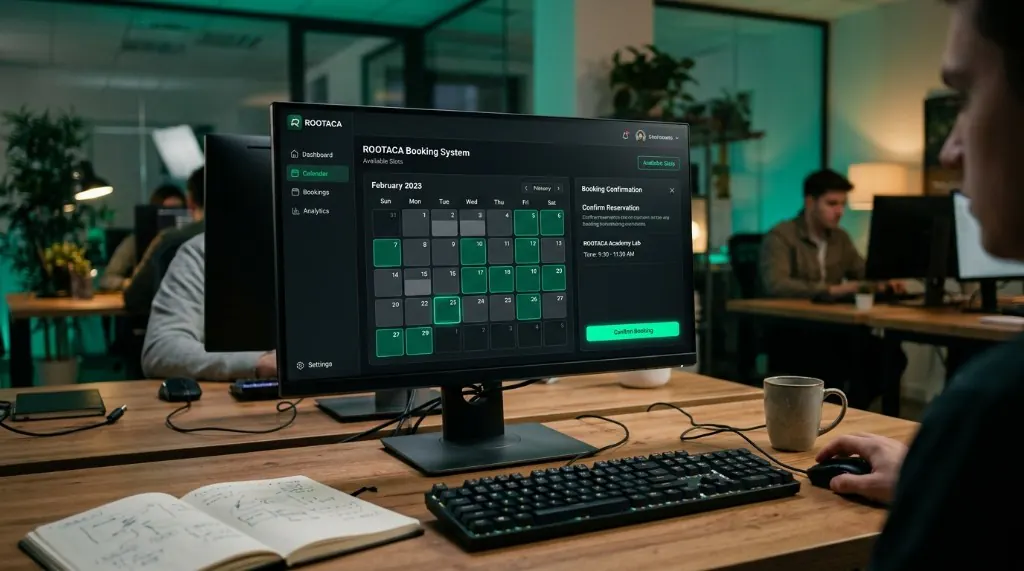
Booking System: USER → API → BUSINESS LOGIC → DATABASE
Level
Beginner–Intermediate
Path
Software Development
Project type
Student Training Project
Focus
Flows · Validation · Scheduling
A booking system is a clear way to practice software that has rules. The student is not decorating a form. They are thinking about availability, validation, and what happens when a slot is not free.
The user wants to reserve a time, but the system has to know what is available and confirm the result.
Problem
The user wants to reserve a time, but the system has to know what is available and confirm the result.
Why it matters
If availability and confirmation are wrong, the whole product fails — even if the screen looks fine.
What the user needs
A reliable path from choosing a slot to receiving a confirmation.
The student builds a booking flow: check availability, validate the request, store the reservation, and confirm the outcome.
The solution: Input → Processing → Output
The user picks a time they want to reserve.
The system checks whether the slot is free.
Invalid or taken requests are handled, not ignored.
The reservation is kept as structured data.
The user knows the booking was created.
Bookings can be reviewed after they are made.
01
Who books, and what has to stay correct?
02
Which rules does availability need?
03
How does the user move from request to confirmation?
04
Connect the flow, the logic, and the data.
05
What happens when the slot is not available?
06
Clarify errors and tighten the rules.
A simple view of how the parts connect.
A simple view of how the parts connect. User → Interface → Application → Core Logic → Data / Services
From request to confirmation.
The system rejects what should not be booked.
Availability is a rule, not a guess.
Reservations need a reliable structure.
The rules live behind the screen.
The user sees success or the reason it failed.
Turn a booking need into a software problem with rules.
Split the system into flow, validation, and data.
Handle the case when a slot is not available.
Store a reservation as structured information.
Confirm the result to the user.
Improve the first version after testing it.
The goal is that the student understands why each part was built, and how it can be changed and improved — not only reaching a final result.
Copy
Understand → Build → Debug → Improve
Ideas for developing the project
Add another booking case after the core flow works.
Make availability and errors easier to understand.
Handle more slots, more users, and more edge cases.
Think about correctness, conflicts, and growth — as ideas for later.
A good fit for students who have programming fundamentals and want to apply them inside a system with real rules.
From the path
Architecture
In the project
Booking structure
From the path
APIs
In the project
Reservation requests
From the path
Databases
In the project
Availability data
From the path
Delivery
In the project
Confirmation
Student Training Project
A storefront with products, cart flow, and checkout logic — the kind of product students already use.
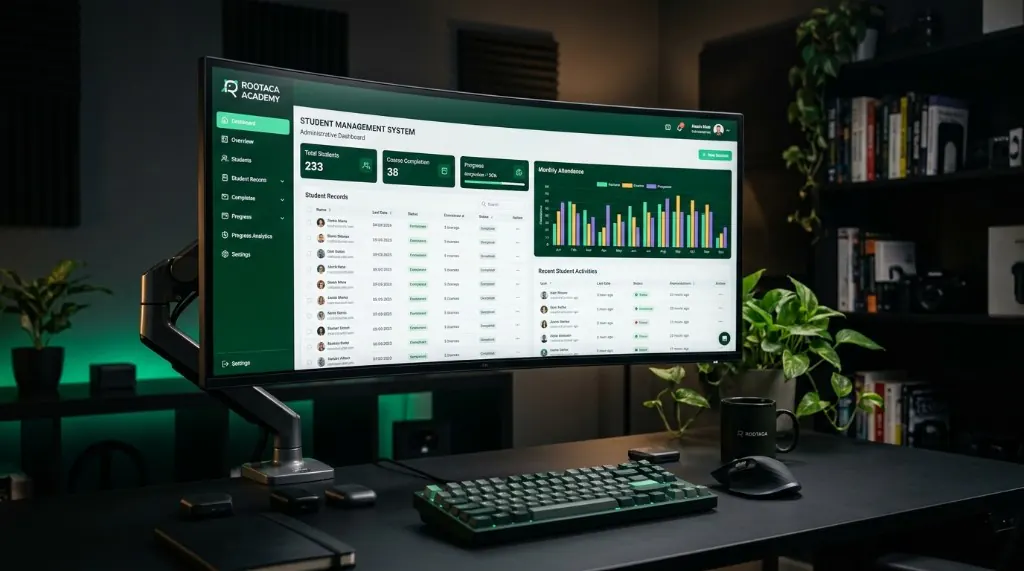
Student Training Project
Records, dashboards, and organized information. Students learn to design tools for real users.
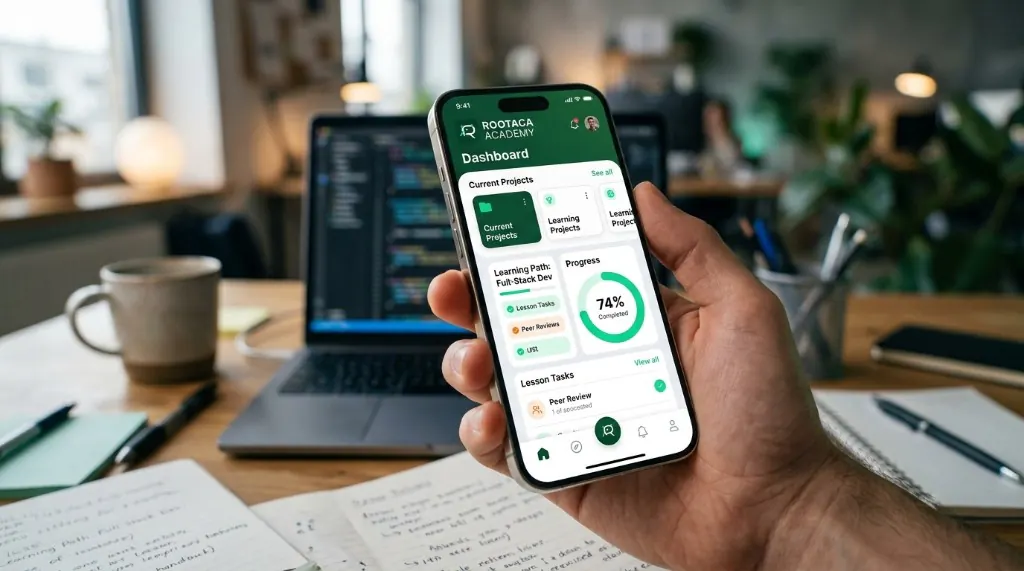
Student Training Project
A focused mobile product for a student-scale problem — from screens to working behavior.
Choose the path that fits you, and start building instead of only watching.