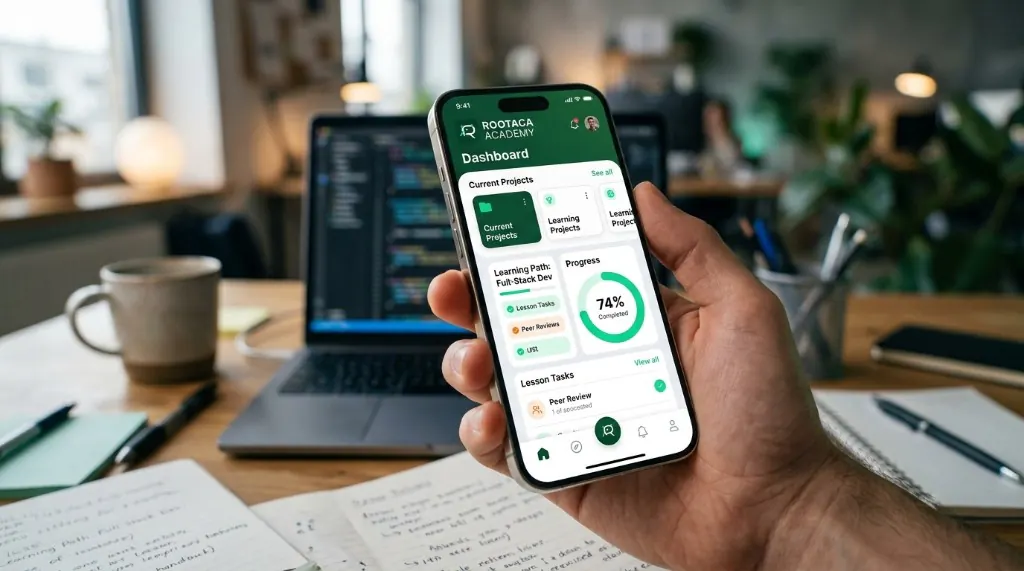
Student Training Project
Mobile Application
A focused mobile product for a student-scale problem — from screens to working behavior.
- Mobile
- UI
- Product
- Mobile UI
- App logic
- Navigation
 ROOTACA
Student Training Project
A training project for a playable game — fun on the surface, with rules, interaction, and systems underneath.
Path: Game Development
Explore the pathStudent Training Project
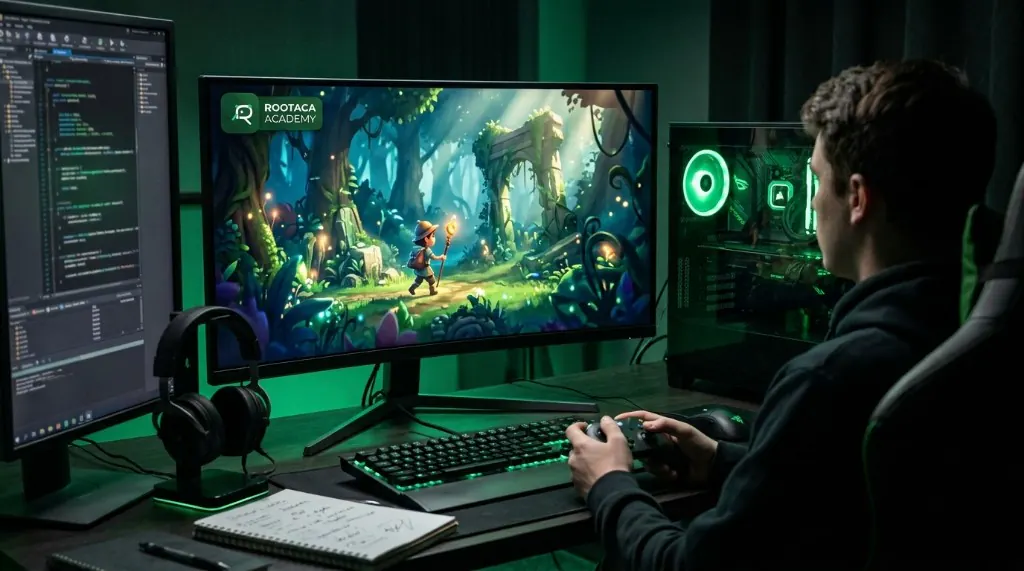
Game Development Project: INPUT → GAME LOOP → SYSTEM → FEEDBACK
Level
Beginner–Intermediate
Path
Game Development
Project type
Student Training Project
Focus
Game logic · Interaction · Systems
A game is software with extra imagination. The student learns that play is not only art: it is input, a loop, systems, and feedback. The project is a way to feel those parts while building something that can actually be played.
The player wants to play, but a game only works when input, rules, and feedback stay in sync.
Problem
The player wants to play, but a game only works when input, rules, and feedback stay in sync.
Why it matters
If the loop breaks, the game stops being playable — even if it looks finished.
What the user needs
A loop the player can enter, understand, and get feedback from.
The student builds a playable loop: take input, update game state, run systems, and return feedback the player can feel.
The solution: Input → Processing → Output
The player does something, and the game has to notice.
The cycle that keeps the game running.
Rules for what is allowed and what happens next.
Score, collision, or other parts working together.
The game remembers where the player is.
The player sees or hears the result of the action.
01
What should the player be able to do?
02
Which rules and systems does the loop need?
03
How does input become feedback?
04
Implement the loop, logic, and response.
05
Is it actually playable, and where does it break?
06
Polish the feel after the loop works.
A simple view of how the parts connect.
A simple view of how the parts connect. Player → Input → Game Logic → Game State → Feedback
How the player talks to the game.
The heartbeat of the experience.
The rules underneath the play.
Parts that keep score, collision, or timing.
What the game remembers between actions.
The player has to feel the result.
Turn play into a software problem with a loop.
Connect input, logic, state, and feedback.
Keep game systems working together.
Test whether the result is actually playable.
Find where the loop breaks.
Improve feel after the first playable version.
The goal is that the student understands why each part was built, and how it can be changed and improved — not only reaching a final result.
Copy
Understand → Build → Debug → Improve
Ideas for developing the project
Add another mechanic after the core loop works.
Make controls and feedback easier to read.
Handle more objects, more rules, and more states.
Think about polish, performance, and scope — as later ideas.
A good fit for students who want to apply logic, interaction, and systems inside a playable training project.
From the path
Game logic
In the project
Rules and outcomes
From the path
Interaction
In the project
Player input
From the path
Systems
In the project
Loop and state
From the path
Polish
In the project
Playable feedback
Student Training Project
A focused mobile product for a student-scale problem — from screens to working behavior.
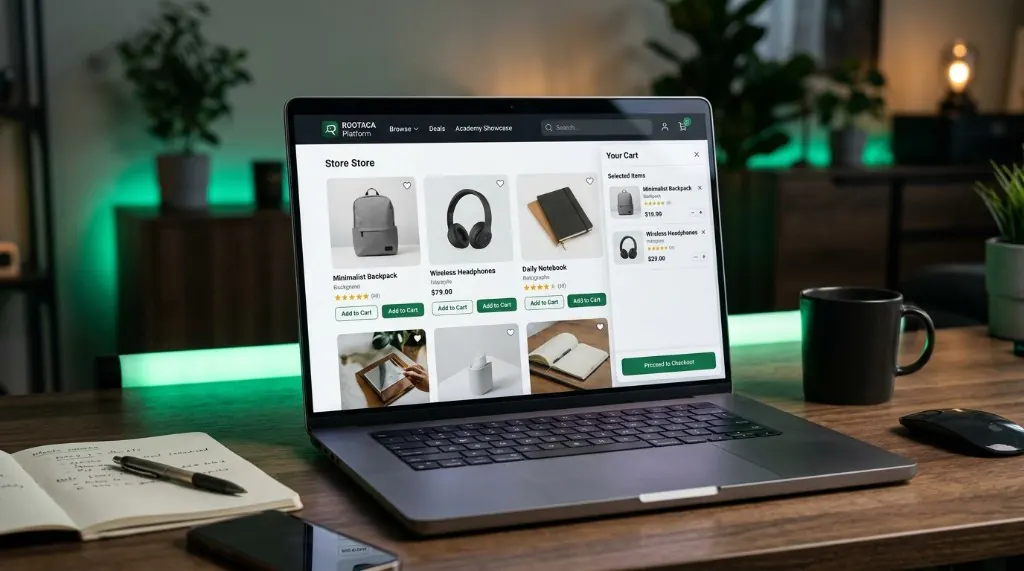
Student Training Project
A storefront with products, cart flow, and checkout logic — the kind of product students already use.
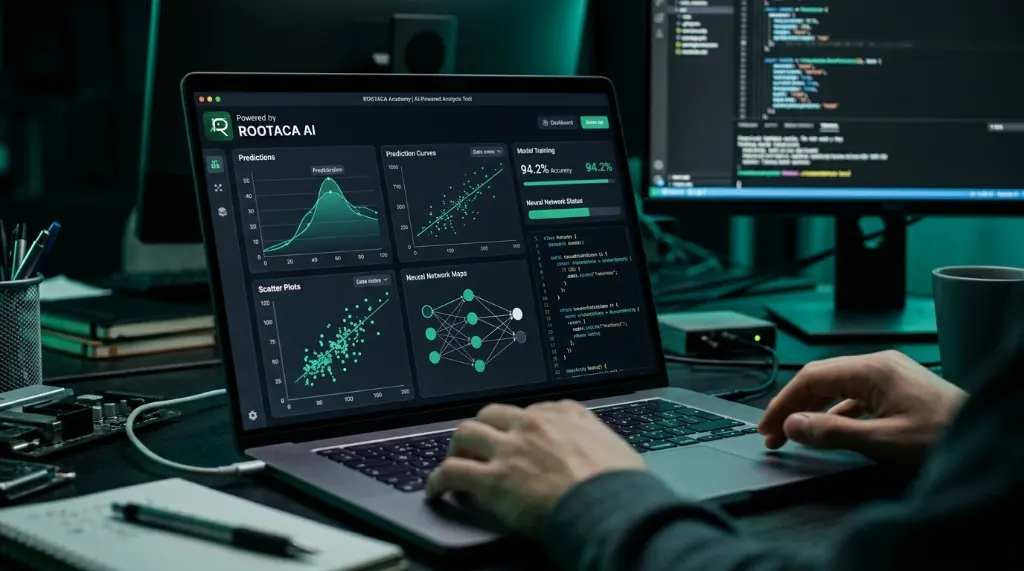
Student Training Project
A practical feature that uses data and a model to do something useful. No buzzword slides.
Choose the path that fits you, and start building instead of only watching.