
Game Development
From an idea...to an interactive world.
Learn how to build a game whose logic works, systems interact, and experience feels like a real product.
A game is not graphics only — it is logic, systems, interaction, and experience.
Beginner–Intermediate
Games are software… with extra imagination.
Before you build a game, you need to understand how a game thinks.
01
Idea
The idea, problem, or experience you want to build.
02
Rules
The rules that decide what happens inside the game.
03
Game Loop
The loop that makes the player interact and repeat the experience.
04
Interaction
How the system responds to what the player does.
05
Systems
Score, health, levels, items, enemies, missions, and more.
06
Experience
How all of this becomes a coherent playable experience.
Who is this path for?
You love games?
If you keep thinking: “How was this game made?”
You love programming?
And you want to see code turn into something interactive.
You have ideas and imagination?
And you want to turn an idea in your head into a playable experience.
You started learning programming?
And you want to apply logic and code in a fun, concrete project.
What will you learn?
01
Game Logic
- Variables
- Conditions
- Loops
- Game Rules
- Scoring
02
Player Interaction
- Input
- Movement
- Actions
- Collision
- Feedback
03
Game Systems
- Health
- Score
- Levels
- Enemies
- Items
- Missions
04
Game Flow
- Start
- Gameplay
- Pause
- Win / Lose
- Restart
05
Game Polish
- UI
- Feedback
- Sound concepts
- Balancing
- Finishing
Every game has a loop.
The player does something → the game responds → the result changes the state → the player acts again.
- Input↓→
- Action↓→
- System Response↓→
- State Change↓→
- Feedback↓→
- Next Action
A simple example
Player moves → hits target → score increases → UI updates → player continues
Inside, a game is systems.
- Player↓
- Input↓
- Game Logic↓
- Game State↓
- Systems↓
- Feedback
Player System
The player is the center — movement and choices start everything.
Score System
Points measure progress and give a clear goal.
Health System
The state that decides whether play continues or ends.
Level System
Stages where difficulty and rules can change.
Enemy System
Challenges that react to the player and change the rhythm.
Reward System
What the player gets after succeeding.
Student Training Project
Game Development Project
You will not only learn to make a game… you will build one.
A student training project that turns the concepts into a playable experience — from the game loop to systems, interaction, and polish.
Project components
- Game Loop
- Player Interaction
- Game Rules
- Scoring
- Levels
- UI
- Feedback
- Game Development
- Logic
- Interaction
- Systems
Student Training Project
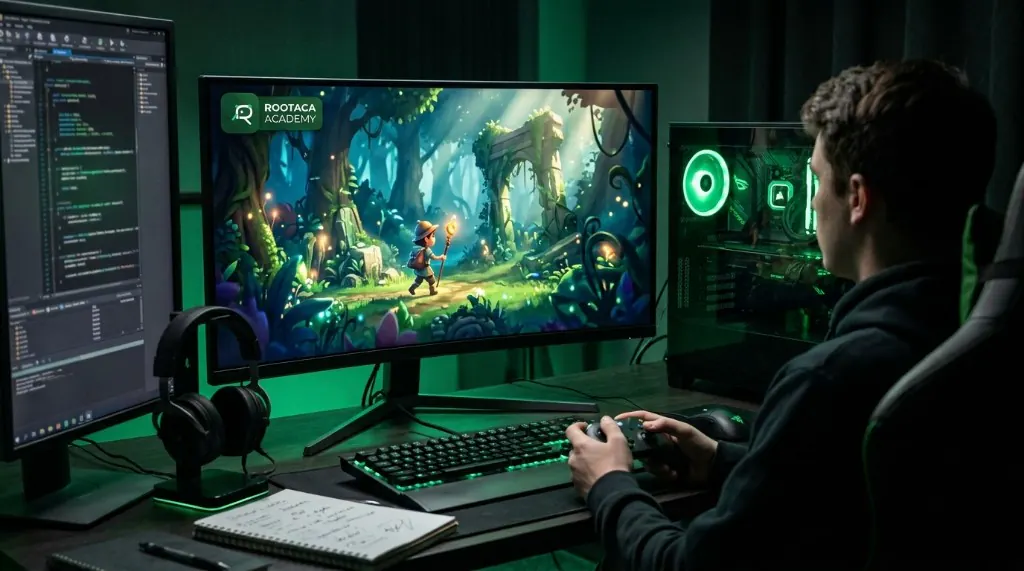
The game you see… has a whole system behind it.
What appears on the screen is the result of connected parts working together.
- Player↓
- Input↓
- Game Logic↓
- State↓
- Game Systems↓
- UI / Feedback
From code... to an experience.
01
Think
We understand the idea and the player experience.
02
Design
We define the rules and the game flow.
03
Code
We build the logic and the interaction.
04
Test
We play, find issues, and fix them.
05
Balance
We tune difficulty and rhythm.
06
Polish
We add clarity, feedback, and finish.
07
Play
We experience it as a coherent product.
In the end, you will be able to...
Build game logic
Understand and write how the game thinks.
Design game flow
Organize play from start to finish.
Build interactive systems
Connect the player to events and systems.
Manage game state
Work with score, health, levels, and more.
Debug
Find out why the game does not behave as expected.
Develop a presentable project
Turn learning into a concrete training project.
Questions about this path
Do I need to know programming?+
The path is classified as beginner–intermediate. Programming fundamentals and logic matter, and the right starting point depends on the student’s level.
Is this path only for people who love games?+
Loving games is a good start, but the path focuses on programming, logic, and building systems — not only watching or playing.
Will we build a project?+
Yes. There is a student training project where the concepts are applied.
Is game development only design and graphics?+
No. This path focuses on logic, interaction, systems, game flow, and implementation.
Do I need to be a professional artist?+
No. The main focus is programming, logic, and building the experience — not mastering drawing.
Your idea does not have to stay just an idea.
Start from the Root, learn the logic, and build your first interactive experience.