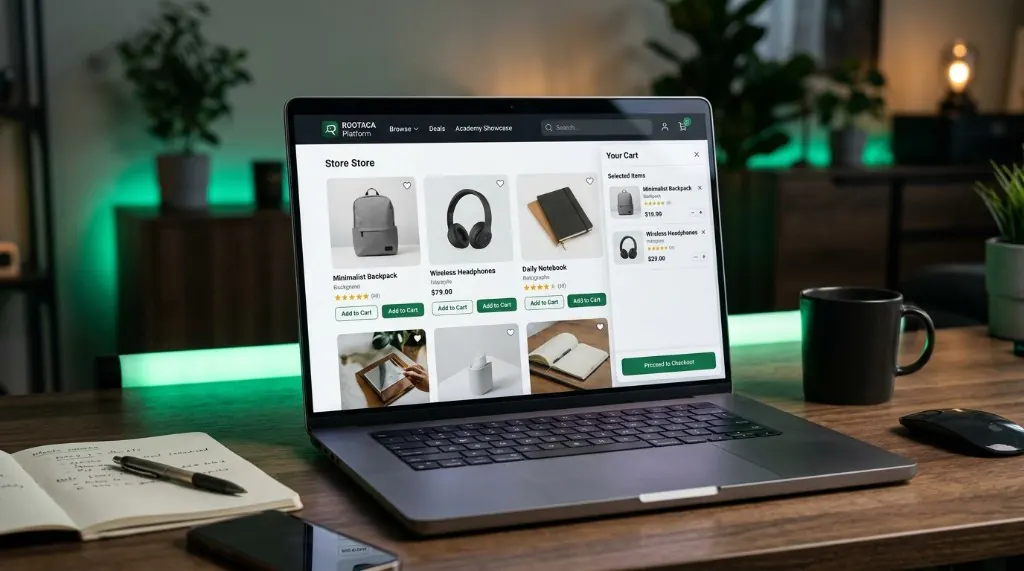
E-Commerce Platform
We build a complete store experience — from showing products to the cart and checkout logic.
- HTML/CSS
- JavaScript
- UI
- State
- Data
 ROOTACA
Web Development program
Learn how to build websites and web applications that combine design, interaction, data, and logic — and turn your idea into an experience people can use.
Beginner–Intermediate
Web development is not only making a page that looks good. It is building a digital experience the user can interact with — one that handles data, logic, and the job it needs to do.
01
02
03
Each level adds a new layer of thinking and building.
And you want to turn a design into a page that actually works.
And you want real interaction — not only static pages.
And you want to use it to build applications, not only exercises.
And see your project running in the browser.
A fit for beginners through an intermediate level, depending on the starting point.
01
02
03
04
05
01
Who is this for, and what should they do?
02
How should the experience feel and flow?
03
How is the page organized?
04
Turn the structure into a working interface.
05
Add the behavior the user needs.
06
Let the interface work with real information.
07
Make the experience clearer and stronger.
A good developer does not start with code. They start by understanding the user, arranging the content, designing the experience, then building it step by step.
The student sees how a screen becomes an interactive experience — not only a picture of a page.
What the user sees first.
The content that explains the product.
A piece of data on the screen.
An action the user takes.
The interface remembers the choice.
The information the application works with.
Student Training Project
We build a complete store experience — from showing products to the cart and checkout logic.
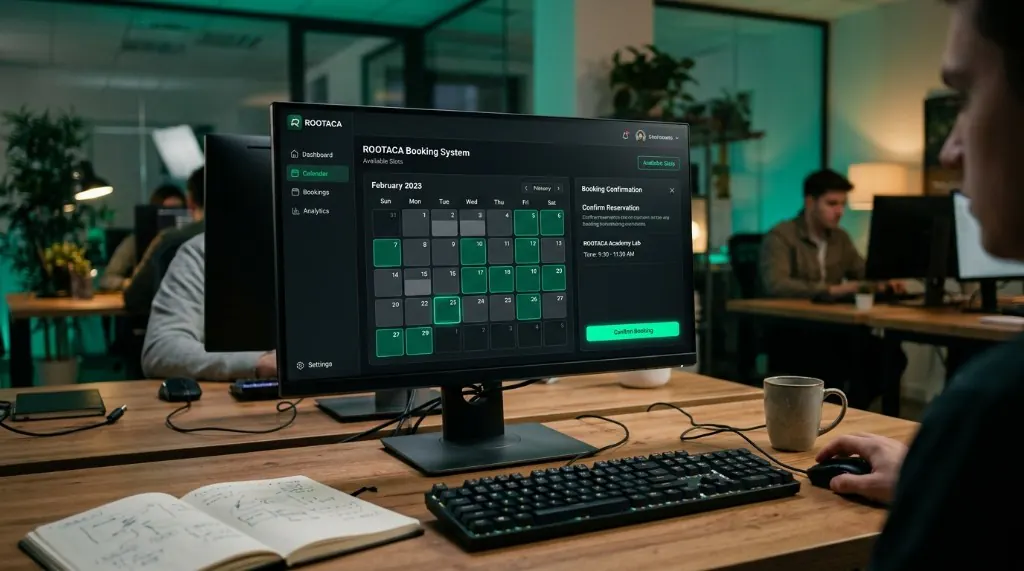
A web application that handles availability, bookings, confirmation, and data validation.
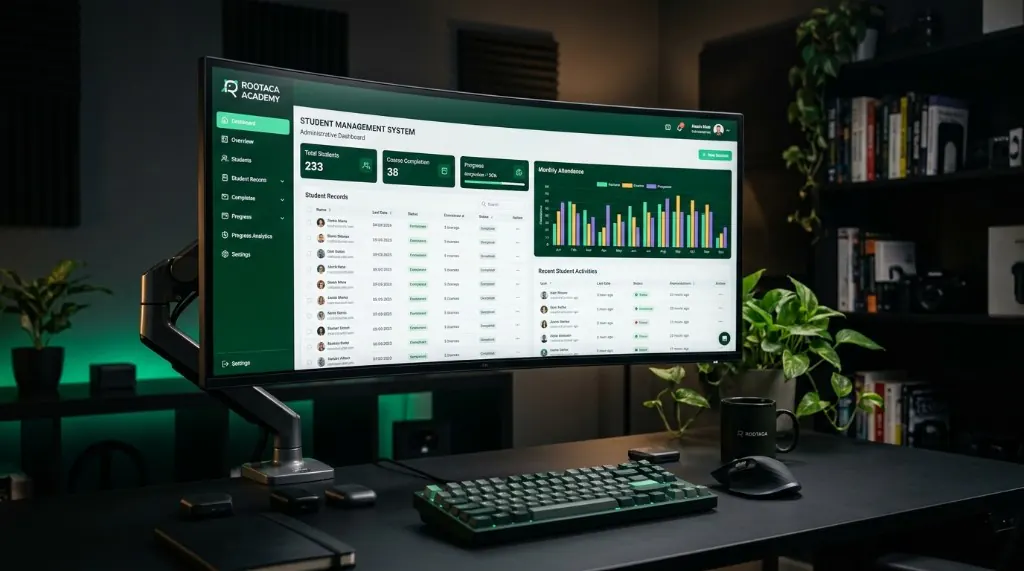
A web dashboard for managing student data, records, and daily operations.
The student starts to see that an application is not only a screen — it is a set of parts working together.
We learn how to build interfaces that adapt to different screen sizes, instead of designing for one device only.
Desktop
Tablet
Mobile
01
We learn how to build the page structure.
02
We turn the structure into a visual experience.
03
We add interaction and movement.
04
We build the application logic.
05
We work with data.
06
We turn all of that into a Web Application.
Create organized, responsive pages.
Turn ideas and designs into working interfaces.
Use JavaScript to build interactive experiences.
Understand how to show and update data inside the app.
Connect the interface with logic and data.
Apply all of this in practical training projects.
After a strong foundation in the web, you can go deeper based on your interest.
A deeper view of building systems and software.
Take your application-building skills to mobile.
Connect the web with data and AI techniques.
Go deeper into designing experiences and interfaces.
Not if the student starts from the foundations. The final level still depends on the starting point.
No. The focus extends from HTML/CSS to JavaScript, interaction, data, and building web applications.
Yes. Training projects are a core part of the program.
Yes. JavaScript is a core part of the path.
How the content is taught can differ by age and level.
The student can grow into Software Development, Mobile, AI/Data, or other paths based on interest and level.
Start from the foundation, and learn how an idea becomes a working web experience.