
Student Training Project
E-Commerce Platform
A storefront with products, cart flow, and checkout logic — the kind of product students already use.
- Web
- UI
- Database
- Interface design
- State
- Data modeling
 ROOTACA
Student Training Project
A training project for records, dashboards, and organized information — tools designed for people who manage data every day.
Path: Software Development
Explore the pathStudent Training Project
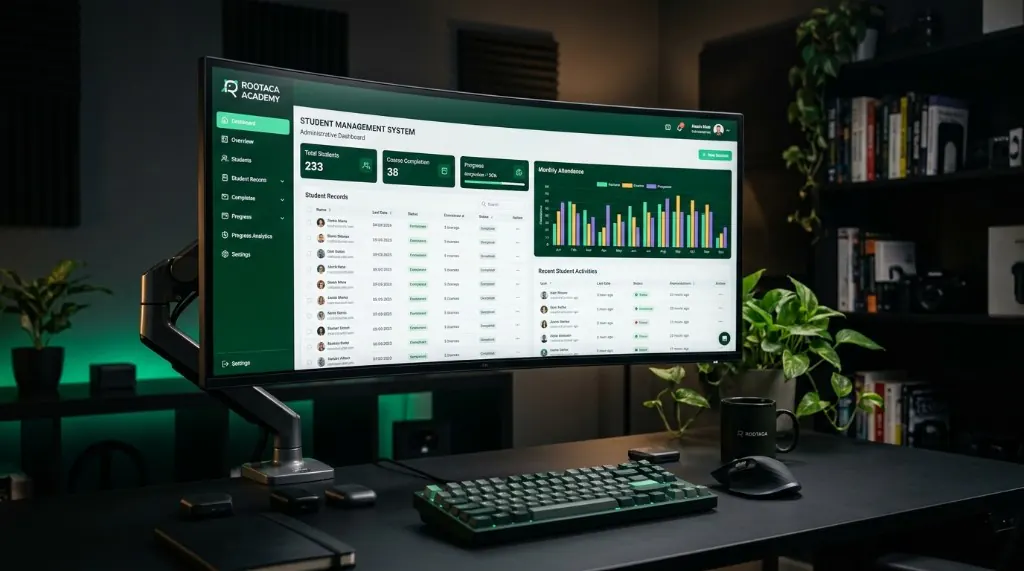
Student Management System: USER → API → BUSINESS LOGIC → DATABASE
Level
Beginner–Intermediate
Path
Software Development
Project type
Student Training Project
Focus
Dashboards · CRUD · Information architecture
Students learn to design tools for real users: people who need to find, add, update, and understand records. The work is about organized information, not a decorative admin theme.
Student records exist, but they are hard to find, update, and review without a clear system.
Problem
Student records exist, but they are hard to find, update, and review without a clear system.
Why it matters
If information is messy, every later feature becomes slower and less trustworthy.
What the user needs
A way to create, read, update, and review records from a clear dashboard.
The student builds an admin-style system: structured records, dashboard views, and the operations needed to keep information usable.
The solution: Input → Processing → Output
A place to see records in an organized way.
New information can be added with a clear form.
Records can be created, read, updated, and removed.
The data has a shape the interface can work with.
The user can move through common admin tasks.
The operator can tell that a change was saved.
01
Who uses the records, and what do they need to do?
02
Which information has to be stored and shown?
03
How is the dashboard organized?
04
Connect views, forms, and data operations.
05
Can the user find and update a record without confusion?
06
Clarify labels, empty states, and errors.
A simple view of how the parts connect.
A simple view of how the parts connect. User → Interface → Application → Core Logic → Data / Services
The overview the operator starts from.
Student information kept in a usable structure.
How new data enters the system.
The basic operations of managing information.
Screens designed for work, not for browsing.
Incomplete or wrong input is caught early.
Turn messy information into a structured system.
Design a dashboard around real operator tasks.
Apply create, read, update, and delete operations.
Give records a shape the interface can use.
Test whether a user can find and change a record.
Improve the first version after using it.
The goal is that the student understands why each part was built, and how it can be changed and improved — not only reaching a final result.
Copy
Understand → Build → Debug → Improve
Ideas for developing the project
Add another admin view after the core records work.
Make search, empty states, and labels clearer.
Handle more records and more types of information.
Think about permissions, errors, and scale — as later ideas.
A good fit for students who want to apply data, dashboards, and system structure inside a practical admin project.
From the path
Architecture
In the project
Admin system structure
From the path
APIs
In the project
Record operations
From the path
Databases
In the project
Student data
From the path
Delivery
In the project
Usable dashboard
Student Training Project
A storefront with products, cart flow, and checkout logic — the kind of product students already use.
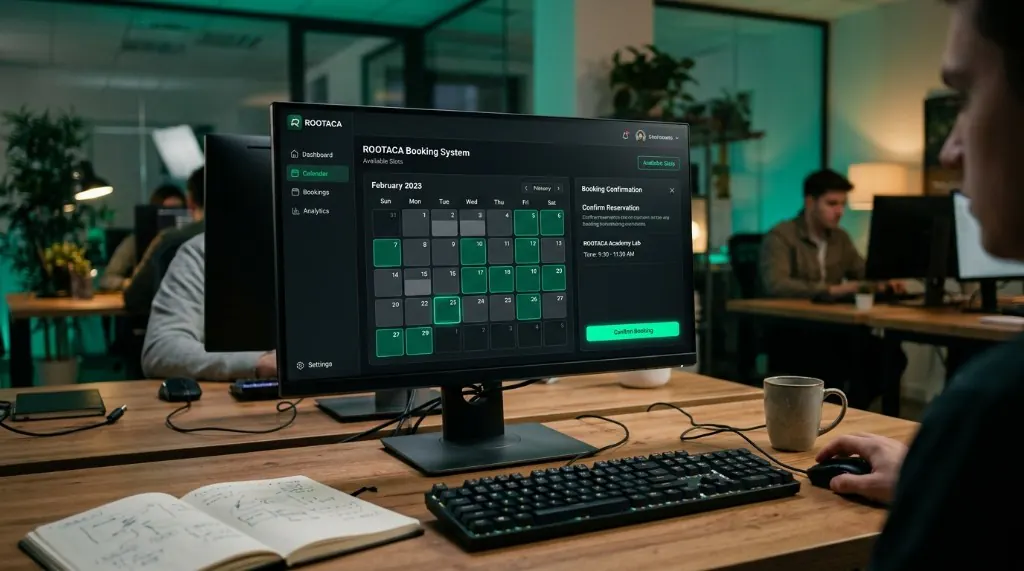
Student Training Project
Reservations, availability, and confirmation — software that has to be correct, not just pretty.
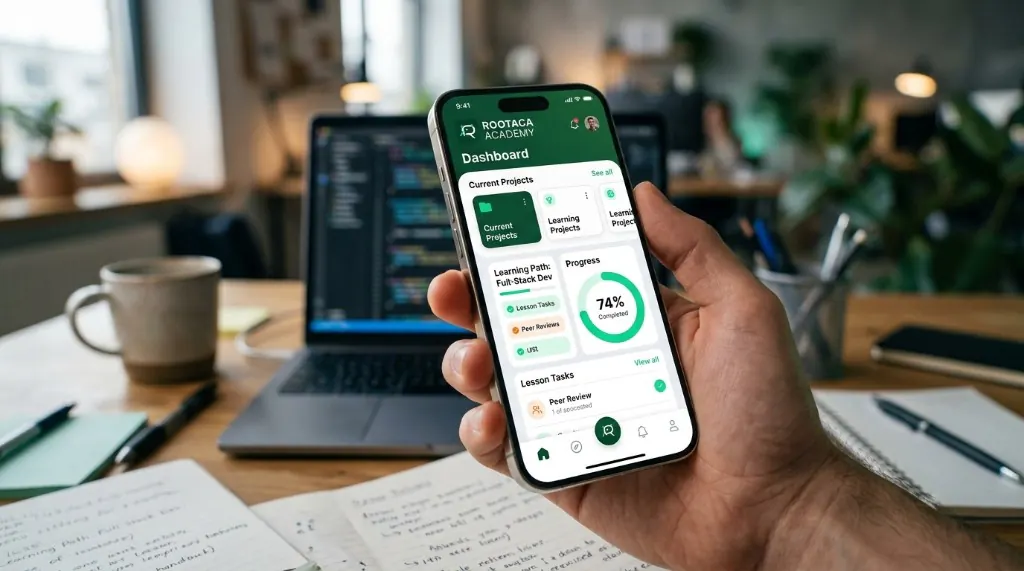
Student Training Project
A focused mobile product for a student-scale problem — from screens to working behavior.
Choose the path that fits you, and start building instead of only watching.